
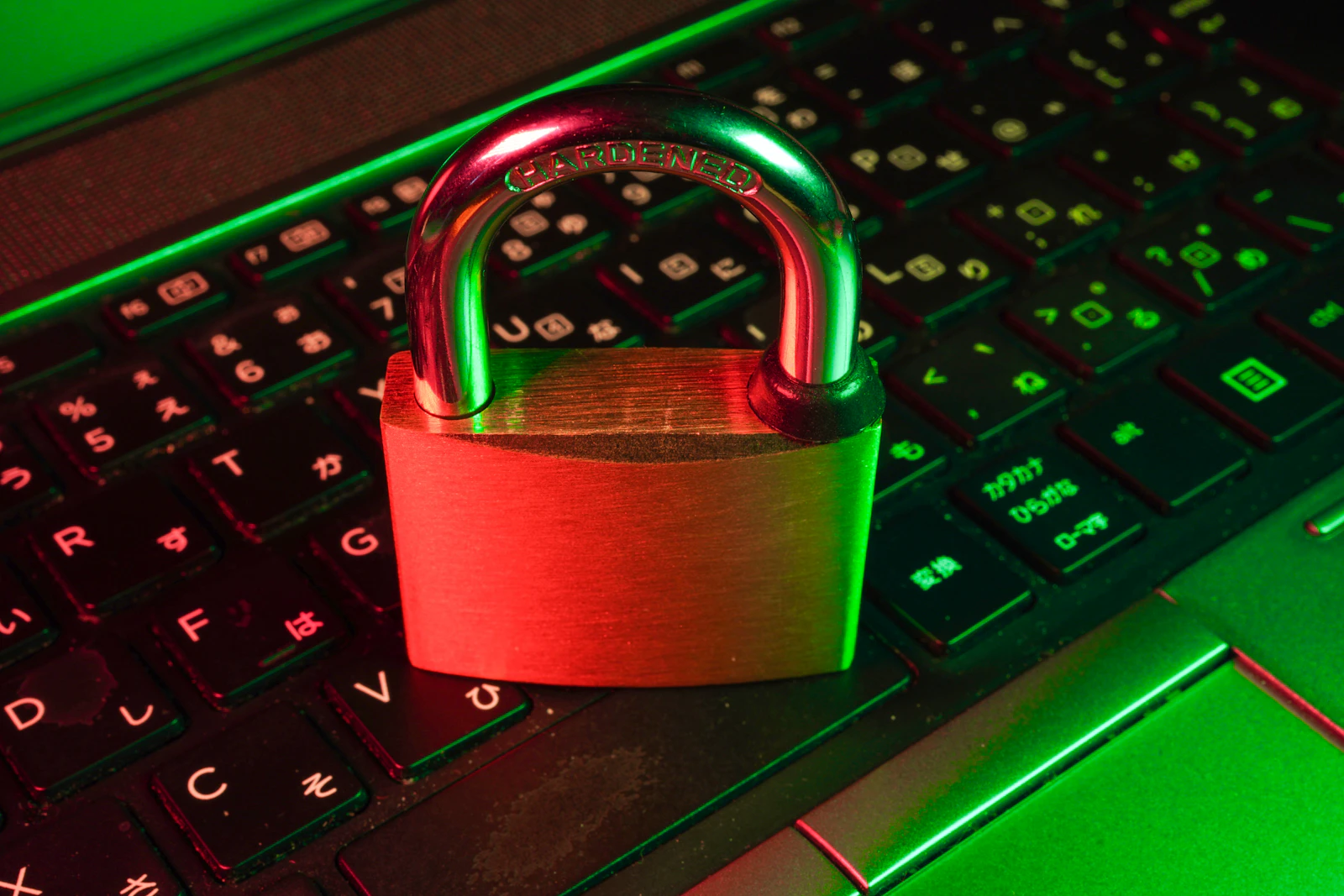
For small business owners, a website is often a critical interface with customers and a core part of their operations. While the focus is often on design, content, and marketing, neglecting fundamental website security can lead to significant problems, including data breaches, loss of customer trust, and operational downtime. Protecting your website doesn’t require a dedicated IT department, but it does demand an understanding of core principles and consistent application of best practices.
This guide outlines the essential security measures every small business owner should consider to safeguard their online presence. Implementing these practices helps create a more resilient and trustworthy website, protecting both your business and your customers.
The Core Pillars of Website Security
Website security is a multi-faceted discipline, but for small businesses, it can be broken down into several key areas. These pillars work together to form a robust defense against common threats. Understanding each area helps in building a comprehensive security strategy without needing to become a cybersecurity expert.
- Authentication: Protecting access to your website’s administrative areas.
- Software Management: Keeping your website’s underlying software up-to-date.
- Hosting & Encryption: Securing the server environment and data transmission.
- Data Recovery: Ensuring you can restore your website in case of an incident.
- Website Hardening: Implementing specific configurations to reduce vulnerabilities.
Strong Authentication Practices
The login page to your website’s administration panel is often the first line of defense. Weak authentication is a common entry point for attackers. Implementing strong password policies and multi-factor authentication significantly reduces this risk.
Passwords
A strong password is long, complex, and unique. Avoid using easily guessable information like birthdays, pet names, or common words. Instead, combine uppercase and lowercase letters, numbers, and symbols. The longer and more random a password is, the harder it is to crack through brute-force attacks.
- Length: Aim for at least 12-16 characters. Longer is generally better.
- Complexity: Mix character types (uppercase, lowercase, numbers, symbols).
- Uniqueness: Never reuse passwords across different accounts, especially for critical systems like your website admin.
- Management: Use a reputable password manager to generate and store strong, unique passwords securely. This removes the burden of remembering complex strings.
Two-Factor Authentication (2FA) / Multi-Factor Authentication (MFA)
Even the strongest password can be compromised. 2FA adds an extra layer of security by requiring a second form of verification in addition to your password. This usually involves something you have (like your phone) or something you are (like a fingerprint). Common 2FA methods include:
- SMS codes sent to your phone.
- Codes generated by an authenticator app (e.g., Google Authenticator, Authy).
- Physical security keys (e.g., YubiKey).
Enabling 2FA for all administrative accounts is one of the most effective steps you can take to prevent unauthorized access.
Keeping Software Up-to-Date
Many websites are built on Content Management Systems (CMS) like WordPress, which rely on a core system, themes, and plugins. Developers regularly release updates to fix bugs, improve features, and crucially, patch security vulnerabilities. Neglecting these updates leaves your website exposed to known exploits.
- CMS Core: Always keep your CMS (e.g., WordPress core files) updated to the latest stable version.
- Themes: Update your website theme regularly. Outdated themes can contain security flaws.
- Plugins: Plugins are a common source of vulnerabilities. Ensure all plugins are from reputable sources and kept up-to-date. Remove any unused plugins.
While manual updates give you control, consider automated updates for minor releases if your CMS offers this feature, provided you have a solid backup strategy in place. For major updates, it’s often wise to test them in a staging environment first, if possible, to avoid unexpected conflicts.
Secure Hosting and SSL/TLS
The server where your website resides plays a significant role in its security. Choosing a reputable hosting provider and ensuring your website uses an SSL/TLS certificate are fundamental.
Reputable Hosting Providers
A good hosting provider offers several security features as part of their service:
- Server-level Firewalls: To block malicious traffic before it reaches your site.
- DDoS Protection: To mitigate large-scale denial-of-service attacks.
- Regular Backups: As a secondary safety net, though you should still manage your own.
- Malware Scanning: To detect and remove malicious software.
- Isolation: Ensuring your site is isolated from other sites on shared hosting to prevent cross-contamination.
Research potential hosts and choose one known for their security infrastructure and proactive approach to server maintenance.
SSL/TLS Certificates (HTTPS)
SSL/TLS certificates encrypt the data transmitted between your website and your visitors’ browsers. This is essential for protecting sensitive information, such as login credentials, contact form submissions, and payment details. Websites without an SSL certificate display a "Not Secure" warning in browsers, which can deter visitors and harm your credibility.
You can identify a secure connection by looking for "https://" at the beginning of the website address and a padlock icon in the browser’s address bar. Most hosting providers now offer free SSL certificates (e.g., via Let’s Encrypt), making HTTPS implementation straightforward and cost-effective.
Regular Backups and Disaster Recovery
Even with the best security measures, incidents can still occur. A robust backup strategy is your ultimate safety net, allowing you to restore your website to a previous working state after a hack, accidental deletion, or server failure.
- Frequency: Back up your website regularly. For dynamic sites with frequent updates (e.g., blog posts, e-commerce orders), daily backups are advisable. For static sites, weekly or monthly might suffice.
- What to Back Up: Ensure you back up both your website files (themes, plugins, uploads) and your database (content, settings).
- Storage Location: Store backups in multiple, secure, off-site locations (e.g., cloud storage, external hard drive). Do not store all backups on the same server as your live website.
- Testing: Periodically test your backups by attempting to restore them to a staging environment. This verifies that your backups are complete and functional.
Think of backups as insurance. You hope you never need them, but if you do, they are invaluable.
Basic Website Hardening Measures
Beyond the core pillars, several hardening measures can further bolster your website’s security. These often involve specific configurations or the use of security tools.
- File Permissions: Properly setting file and directory permissions limits who can read, write, or execute files on your server. For example, common secure permissions for files are
644and for directories755. Incorrect permissions can allow attackers to modify or inject malicious code. - Limit Login Attempts: Implement a mechanism to block or delay login attempts after a certain number of failures. This helps prevent brute-force attacks where attackers try many password combinations. Many CMS security plugins offer this feature.
- Web Application Firewall (WAF): A WAF filters and monitors HTTP traffic between a web application and the Internet. It can protect against common web exploits like SQL injection and cross-site scripting (XSS). Some hosting providers offer WAFs, or you can use a cloud-based WAF service.
- Disable Unused Features: If your CMS or server has features you don’t use (e.g., XML-RPC on WordPress if not needed), consider disabling them. Fewer active components mean fewer potential entry points for attackers.
A Practical Security Checklist
Here’s a concise checklist to help you implement and maintain basic website security:
- Use strong, unique passwords for all administrative accounts and store them in a password manager.
- Enable Two-Factor Authentication (2FA) for every possible login, especially your CMS admin.
- Keep your CMS, themes, and plugins updated to their latest versions.
- Remove any unused themes and plugins to reduce potential vulnerabilities.
- Choose a reputable web hosting provider known for its security features.
- Ensure your website uses an SSL/TLS certificate (HTTPS) for encrypted communication.
- Implement a regular backup schedule for both website files and database, storing backups off-site.
- Test your backups periodically to confirm they are restorable.
- Review and set correct file permissions on your server.
- Install a security plugin or enable server-level features to limit login attempts and detect malware.
- Regularly scan your website for malware and vulnerabilities.
Key Takeaways
Website security is an ongoing process, not a one-time task. By understanding the core principles of strong authentication, timely software updates, secure hosting, regular backups, and basic hardening, small business owners can significantly reduce their risk of cyber threats. Consistent application of these practices forms a strong foundation, protecting your website, your data, and your business reputation against common online dangers.